The best music tablets for musicians and sheet music (2026)
A tablet replaces the binder of paper charts you haul to every gig — if you pick one with a screen big enough to actually read. Here are the best tablets for reading sheet music and chord charts on stage in 2026, compared by screen size, aspect ratio, brightness, and price.
Last updated November 2026
Some links on this page are affiliate links. If you buy through them we may earn a small commission at no extra cost to you. We only recommend gear we would tell a bandmate to buy.
How we picked
Reading music is not the same as browsing the web, so the specs that matter are different. We weighted these the most:
- Screen size — a 13-inch display comes closest to a printed page, so one page of music fits without zooming.
- Aspect ratio — portrait sheet music is roughly 4:3, so the iPad's 4:3 screen wastes less space than a tall 16:10 Android screen.
- Brightness — outdoor and bright-stage gigs need 600 nits or more to stay readable.
- Weight and stand fit — it lives on a mic stand or music stand, so lighter is better.
- Software support — years of OS updates, and whether your music app runs on it.
Which screen size do you need?
The one number that decides whether a tablet works for sheet music is how large a printed page comes out on it. A letter or A4 page in portrait is scaled to fit the screen's width, so the width of the glass matters more than the diagonal on the box — which is why a 13-inch iPad and a 14.6-inch Android tablet end up almost the same size for music.
| Screen | Page comes out at about | Good for |
|---|---|---|
| 11" 16:10 Android | 69% of printed size | Lyrics and chord charts with large text |
| 11" 4:3 iPad | 78% | Chord charts and lead sheets |
| 13.1" 16:10 Android (Tab S10 FE+) | 82% | Lead sheets, most PDF charts |
| 14" 16:10 Android (NxtPaper 14) | 87% | Most PDF charts, hymnals |
| 14.6" 16:10 Android (Tab S11 Ultra) | 91% | Full scores and dense parts |
| 13" 4:3 iPad | 92% | Full scores and dense parts |
Rule of thumb: if you read lyrics and chord charts, an 11-inch tablet is fine because the text is big to begin with and apps like Band Central reflow it to the screen. If you read PDF scans of printed music, especially small-print scores or hymnals, you want a page at 85% or better, which means 13 inches on an iPad or 14 inches and up on Android. Anything under 10 inches means zooming and scrolling inside a single page, which is exactly what you were trying to escape.
Best tablets for musicians at a glance
| Tablet | Screen | Approx. price | Best for |
|---|---|---|---|
| iPad Pro 13-inch (M5) | 13" (4:3) | $1,299+ | Best overall |
| Samsung Galaxy Tab S11 Ultra | 14.6" (16:10) | $1,199+ | Largest screen / Android |
| iPad Air 13-inch (M3) | 13" (4:3) | $799+ | Best value Apple |
| Samsung Galaxy Tab S10 FE+ | 13.1" (16:10) | $649+ | Big-screen value |
| TCL NxtPaper 14 | 14" matte | $370+ | Budget large screen / glare |
| Lenovo Idea Tab | ~12.7" | $250+ | Cheapest big screen |
The picks
iPad Pro 13-inch (M5)
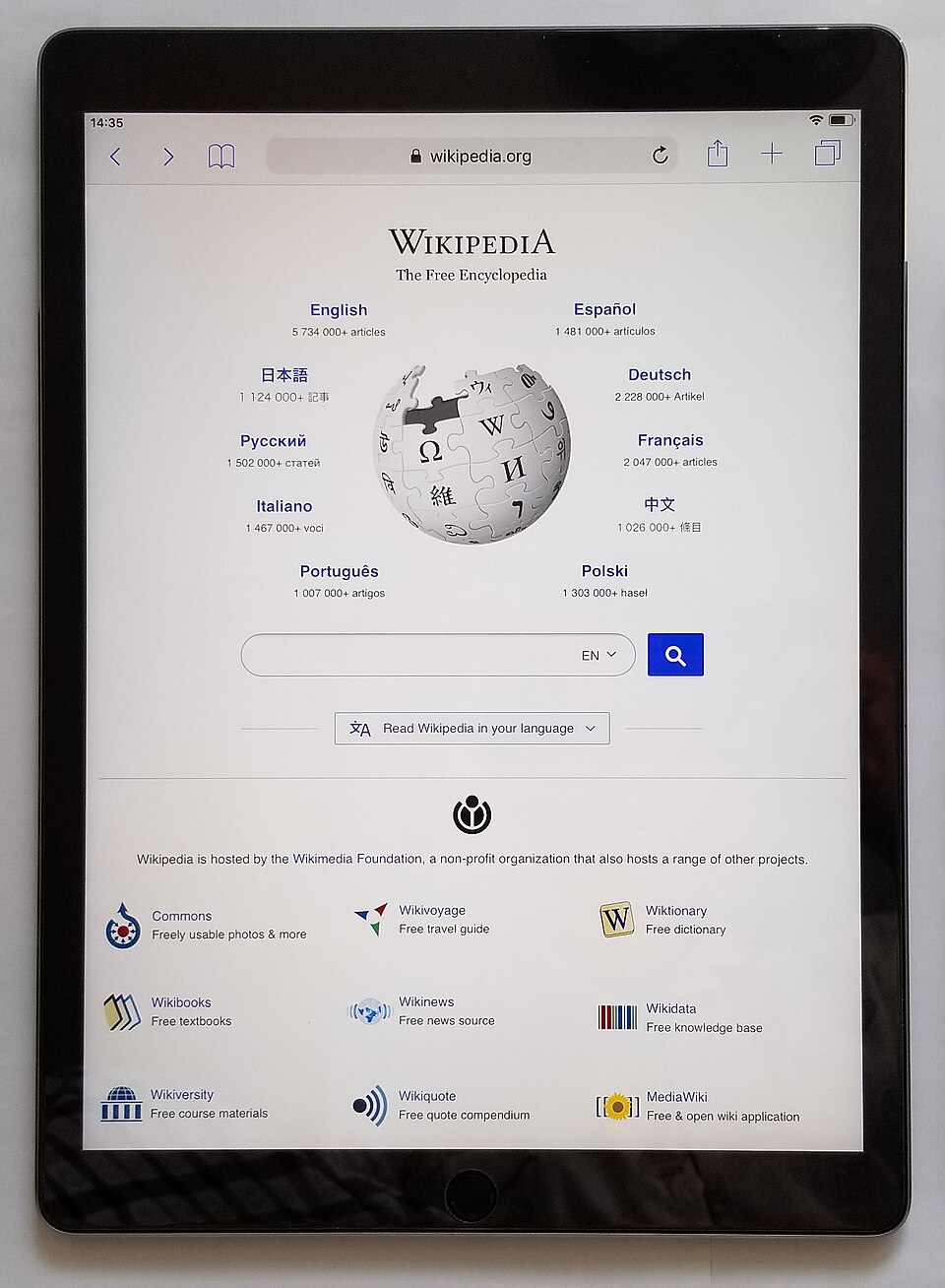
The iPad Pro 13-inch is the standard pro musicians reach for. The 13-inch, 4:3 display is close to the size and shape of a real page, so a full page of music is comfortable without pinching to zoom. The optional nano-texture glass kills the glare that ruins cheaper screens under stage lights, and the deepest app ecosystem (forScore, Newzik, Band Central) lives on iPadOS.
- Display13" 4:3, up to 1600 nits
- Weight~1.28 lb
- Best featureNano-texture anti-glare option
Pros
- Page-sized 4:3 screen
- Brightest, anti-glare display
- Every major music app
Cons
- Expensive
- Accessories add up fast
Samsung Galaxy Tab S11 Ultra
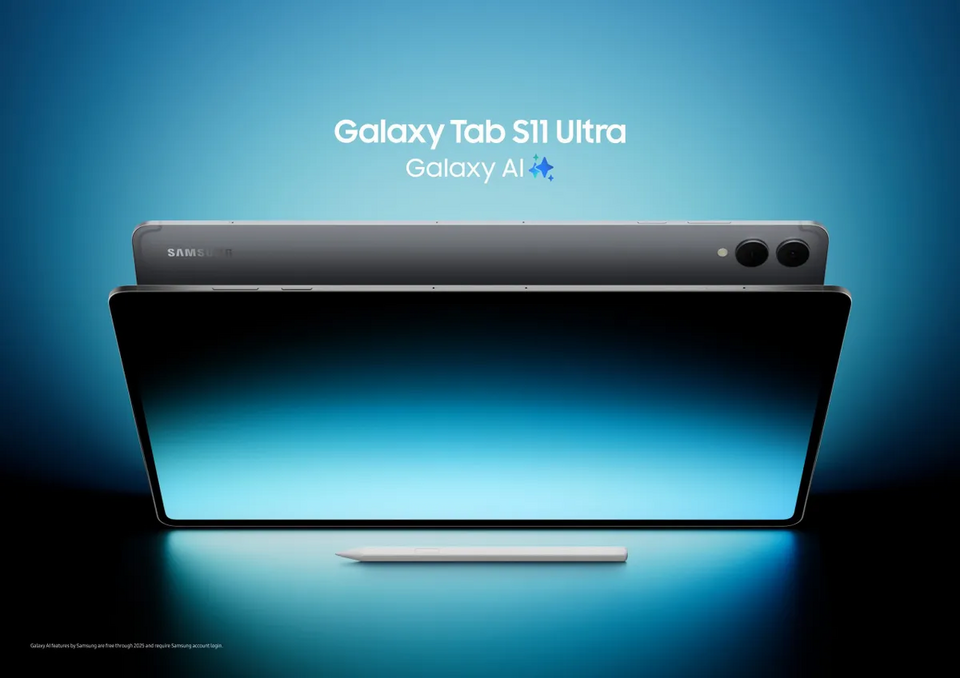
With a 14.6-inch screen, the Galaxy Tab S11 Ultra is the closest you can get to a full sheet of paper — its display covers about the same area as a letter-size page. It is also remarkably light for its size at around 1.5 pounds, gets seven years of updates, and includes the S Pen for marking up charts. The best choice if you want maximum readable area and you are not tied to Apple.
- Display14.6" AMOLED, 16:10
- Weight~1.53 lb
- Best featureBiggest screen on the market
Pros
- Enormous, page-sized screen
- S Pen included
- 7 years of updates
Cons
- Large to carry
- 16:10 leaves side margins in portrait
iPad Air 13-inch (M3)
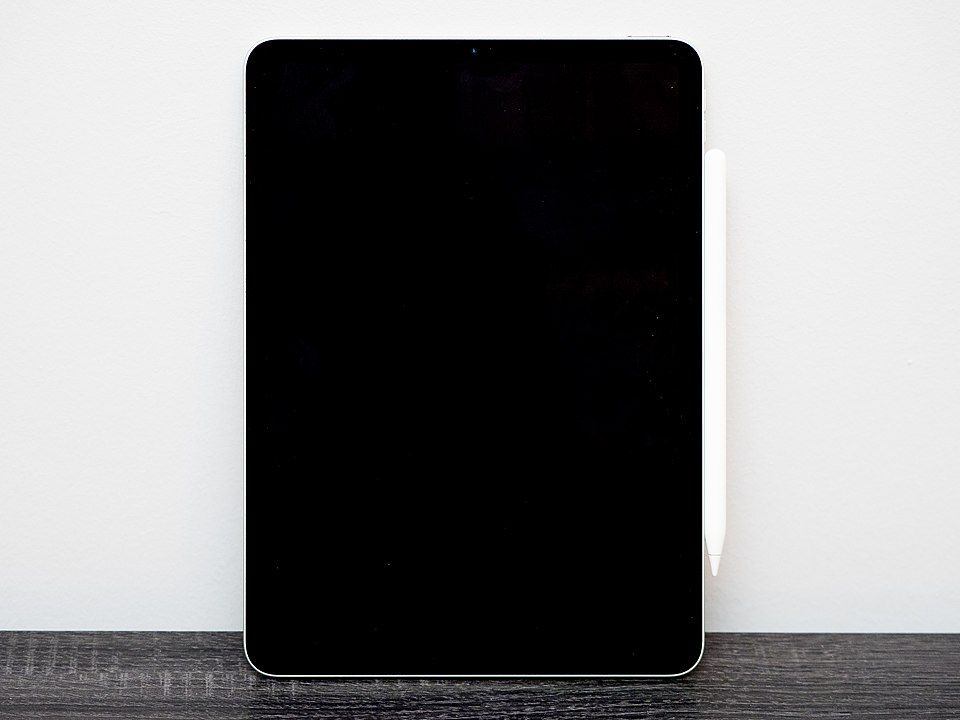
The 13-inch iPad Air gives you the same page-sized 4:3 screen and the full iPadOS app library for hundreds less than the Pro. You give up the nano-texture glass and the very brightest panel, but for most indoor stages and rehearsals it is all the tablet a musician needs.
Pros
- 13" screen for much less
- Runs every iPad music app
Cons
- Dimmer than the Pro
- No anti-glare option
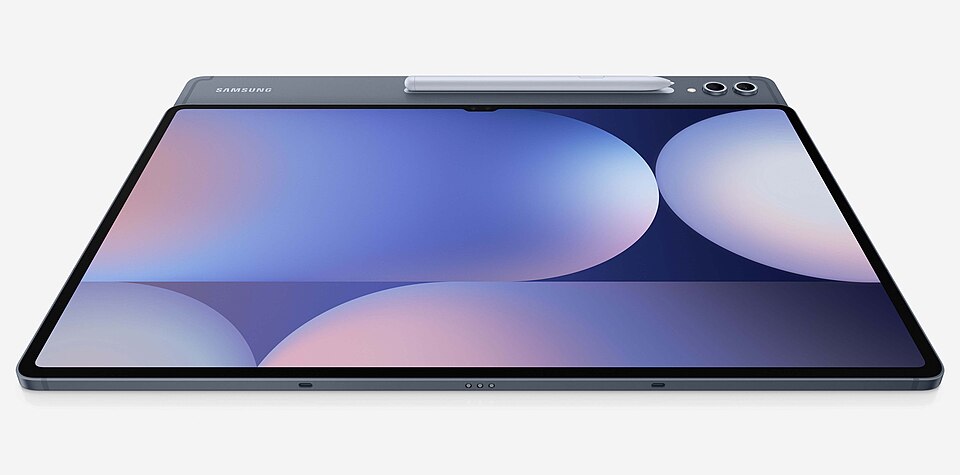
Samsung Galaxy Tab S10 FE+
The S10 FE+ is the mid-range way onto a big Android screen. At 13.1 inches it is nearly as roomy as the Ultra for half the price, includes the S Pen, and is plenty bright for indoor use. A great pick for an Android band member who wants a real page-sized chart.
Check price on Amazon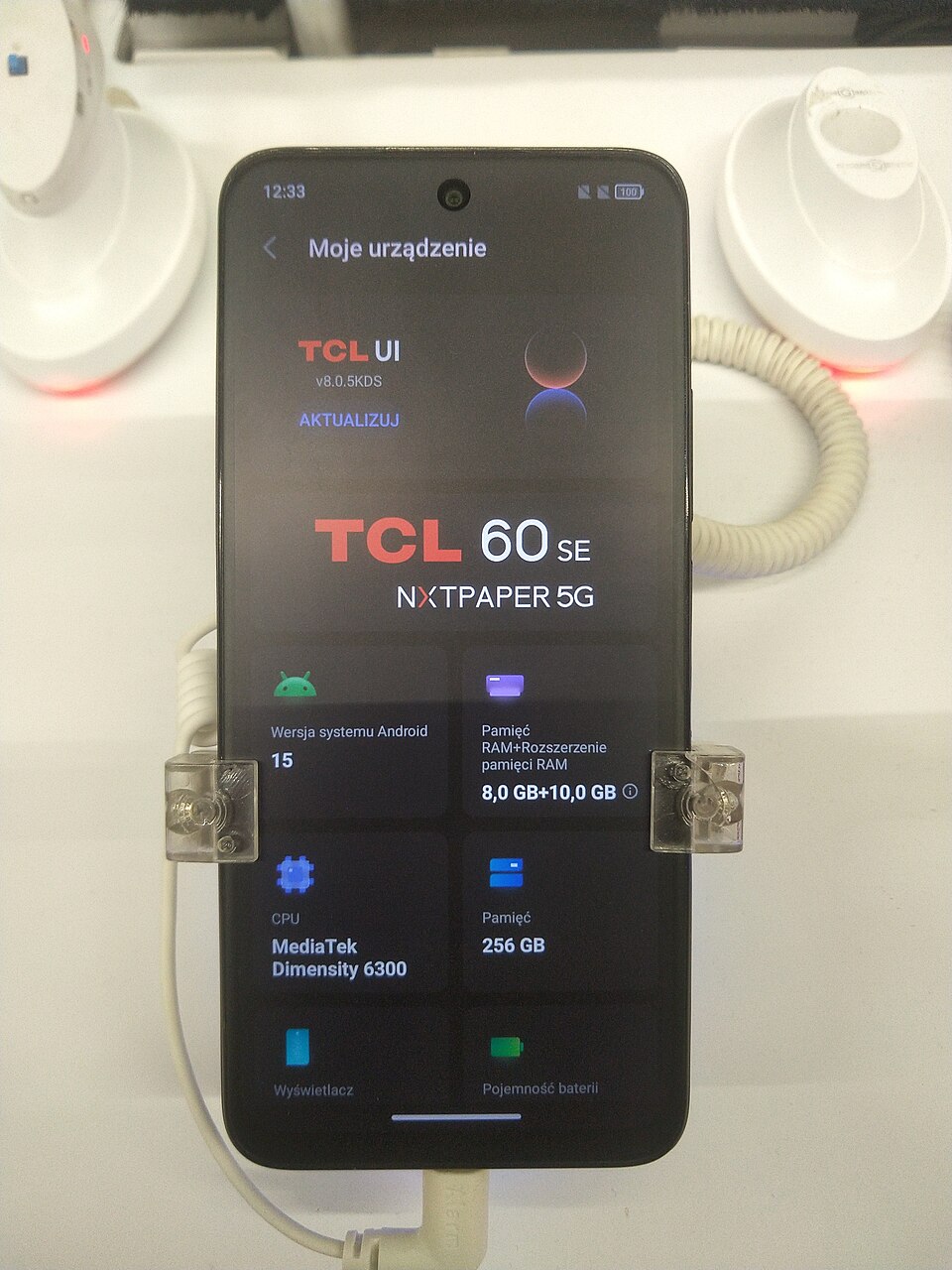
TCL NxtPaper 14
The NxtPaper 14 pairs a huge 14-inch screen with a matte, paper-like finish that is easy on the eyes and almost glare-free — handy under harsh lights. It is not the fastest tablet, but for reading static charts it punches far above its price.
Pros
- 14" matte, low-glare screen
- Very affordable
Cons
- Slower processor
- Muted colors
Lenovo Idea Tab
If you just need a large screen to read chord charts and lead sheets without spending much, the Lenovo Idea Tab line regularly sells with a stylus and folio for around $180 to $250. Modest specs, but a fine first music tablet.
Check price on AmazoniPad vs Android: which screen shape wins?
Printed sheet music is close to 4:3 in portrait, which is exactly the iPad's aspect ratio — so an iPad fills more of the glass with music and leaves thinner margins. Android tablets are usually 16:10, which is taller and narrower, so a single portrait page leaves grey bars on the sides unless the screen is very large. That is why the 14.6-inch Galaxy Tab Ultra still works beautifully: it is simply big enough that the side margins do not matter. On a smaller 16:10 Android tablet, two-page or landscape layouts feel cramped.
The other thing that decides iPad versus Android is the app you already use. forScore and OnSong are iPad-only, so if your library lives in one of them, an Android tablet means switching apps: see forScore on Android and OnSong on Android for what that switch looks like. MobileSheets and Band Central run on both, so the tablet choice is free. If your band mixes iPads and Android tablets, pick an app that runs on both before you pick the hardware.
Budget tablets for musicians: what you actually give up
A $250 tablet and a $1,300 tablet open the same PDF. For reading charts the processor barely matters, and storage barely matters — a thousand PDF charts fit in a few gigabytes. What you give up at the low end is specific:
- Brightness. Most budget tablets top out around 400 to 500 nits, fine indoors, washed out on an outdoor stage or under daylight through a window. The premium panels reach 1,000 nits and beyond.
- Glare. Cheap glossy glass mirrors the stage lights. A matte screen protector ($10 to $15) fixes most of it, or pick a matte panel like the TCL NxtPaper 14.
- Update years. Budget Android tablets often get two or three years of OS updates; Samsung's S series and iPads get far more. For a device that only reads music that matters less than you would think, as long as your music app still runs.
- Screen size. This is the one not to compromise on. The budget trap is a 10-inch tablet because it is cheap, then squinting at every gig. Spend the savings on inches, not speed.
So the budget recipe is a 12.7-inch or larger Android tablet, a matte protector, and a tablet holder for the mic stand. The Lenovo Idea Tab and the TCL NxtPaper 14 above are the two we would point a bandmate at.
What about e-ink tablets?
E-ink tablets such as the 13.3-inch Onyx Boox Tab X are the paper-like alternative: readable in direct sunlight, no glare at all, and a battery that lasts days rather than hours. Classical and pit musicians who play acoustic gigs outdoors like them for exactly those reasons. The trade-offs are real, though. The screen is greyscale and refreshes slowly, so fast page turns ghost and auto-scrolling lyrics are not pleasant, and the 13.3-inch models cost about as much as a 13-inch iPad Air. The Boox range runs Android, so Android music apps install on it, but treat an e-ink tablet as a reader for static PDF charts, not as a general stage tablet. If you mostly want the matte, low-glare look, the TCL NxtPaper 14 gets you most of the way there on a normal colour screen for a third of the price.
Setting the tablet up for the stage
Whichever tablet you buy, five things turn it from a gadget into a reliable music stand:
- A mount. A clamp-on tablet holder for a mic stand, or a tablet tray that sits on a music stand. Floor stands topple; clamps do not.
- A page-turner pedal. A Bluetooth foot pedal turns pages or scrolls with both hands on the instrument. Our page-turner pedal guide covers which ones work on iPad and Android, and the pedal setup help page walks through pairing.
- Screen settings. Turn auto-lock off (or to the longest setting) and Do Not Disturb on before the first song. A text message sliding over bar 32 is a surprisingly common way to lose your place.
- Brightness and glare. Set brightness manually rather than auto, and add a matte protector if the venue has lights behind you.
- Power. A full charge covers a four-hour gig on any tablet here, but keep a small battery pack in the gig bag for the double-booked Saturday.
Then load your charts. Band Central's PDF sheet music viewer keeps your PDFs, chord charts and lyrics in one library with setlists, and you can mark up charts on the tablet with a pen or finger.
Got the tablet? Now load your music onto it
Whatever tablet you pick, Band Central turns it into your stage book. Import the PDF charts and sheet music you already have, build setlists, transpose and auto-scroll, and keep your whole band in sync — on iPhone, iPad, Android, and the web.
Frequently asked questions
What is the best tablet size for reading sheet music?
A 13-inch tablet is the sweet spot. The iPad Pro 13-inch and Samsung Galaxy Tab S11 Ultra come closest to the size of a printed page, so a single page of music is readable without zooming. Smaller 11-inch tablets work for lead sheets and chord charts but feel cramped for dense orchestral scores.
iPad or Android tablet for sheet music?
Both work well. iPads have the deepest app ecosystem and a 4:3 screen that suits portrait sheet music. Android tablets like the Galaxy Tab S11 Ultra offer the largest screens for the money. Band Central runs on iPhone, iPad, and Android, plus any web browser, so you are not locked to one platform.
Do I need an expensive tablet to read music?
No. A budget large-screen tablet such as the TCL NxtPaper 14 or a Lenovo Idea Tab reads chord charts and lead sheets fine. Spend more only if you need the brightest screen for outdoor gigs, the largest display for full scores, or a specific pro app.
Is an 11-inch tablet big enough for sheet music?
For lyrics and chord charts, yes: the text is large and apps reflow it to fit. For PDF scans of printed music, an 11-inch iPad shows a page at about 78% of printed size and an 11-inch 16:10 Android tablet at about 69%, which is readable for lead sheets but small for dense scores. If you read a lot of PDF music, 13 inches on an iPad or 14 inches and up on Android is worth the extra money.
What is the best budget tablet for musicians?
A large-screen Android tablet in the $250 to $400 range: the Lenovo Idea Tab (about 12.7 inches) or the TCL NxtPaper 14 with its matte, low-glare screen. Put the money into screen size rather than processor speed, add a matte screen protector and a mic-stand mount, and it will read charts as well as a tablet costing four times as much indoors.
Can I use an e-ink tablet like a Boox for sheet music?
Yes, for static PDF charts, and it is the best choice in direct sunlight. The 13.3-inch Onyx Boox Tab X runs Android, so Android music apps install on it. Expect greyscale, slow page refreshes that make auto-scroll and fast turns ghost, and a price similar to a 13-inch iPad Air.
What app should I use to read sheet music on a tablet?
Band Central lets you import the PDF sheet music and chord charts you already have, organize them into songs and setlists, and read them on stage, with a built-in ChordPro viewer, transpose, and auto-scroll. It works on iPhone, iPad, Android, and the web, so your whole band can use it whatever tablet they carry.